

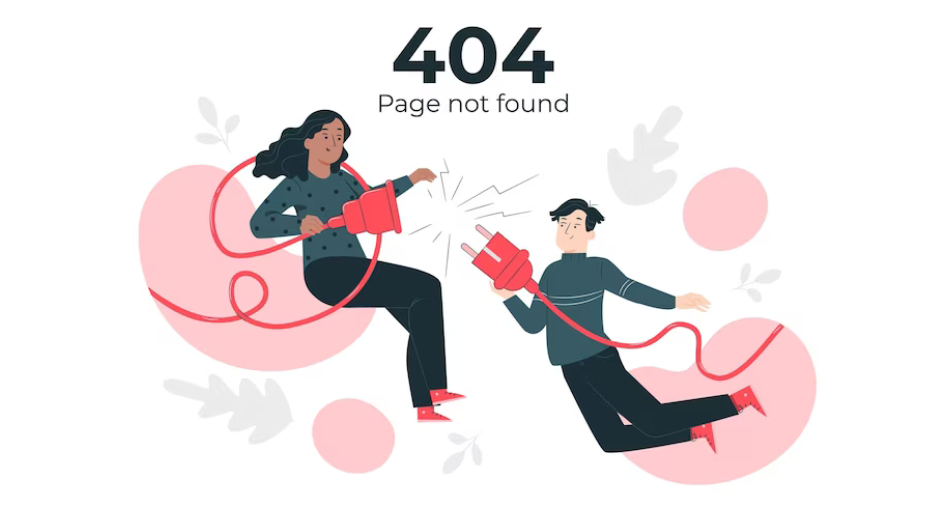
A 404 error in hosting, often referred to as “404 Not Found,” is a standard HTTP response code indicating that the server could not find the requested web page or resource. This error occurs when a user attempts to access a URL that does not exist or has been removed from the server. Understanding the causes, implications, and resolution of 404 errors is crucial for website owners and administrators. Let’s delve deeper into the significance of 404 errors in hosting:
Understanding the 404 Error:
- HTTP Status Code:
- The 404 error is part of the HTTP status code system, which servers use to communicate with web browsers. When a user requests a web page, the server responds with an appropriate status code to indicate the outcome of the request.
- Not Found Response:
- A 404 error specifically indicates that the requested resource could not be found on the server. This could be due to various reasons, such as a mistyped URL, a deleted page, or a broken link on the website.
Causes of 404 Errors:
- Deleted or Moved Pages:
- The most common cause of 404 errors is when a web page has been deleted or moved to a different location without proper redirection. If a user tries to access the old URL, they will encounter a 404 error because the server cannot locate the requested page.
- Incorrect URL Entry:
- Users may inadvertently type the wrong URL or misspell the web address, leading to a 404 error. Typos, capitalization errors, or missing slashes can all result in the server being unable to find the requested resource.
- Broken Links:
- Websites often contain links to other pages or external resources. If a linked page is removed or its URL changes, the original link becomes broken, resulting in 404 errors for users attempting to access it.
Implications of 404 Errors:
- Poor User Experience:
- Encountering a 404 error can frustrate website visitors and negatively impact their experience. Users may perceive a website with broken links or missing pages as unprofessional or unreliable, potentially leading to decreased trust and engagement.
- SEO Impact:
- 404 errors can also affect a website’s search engine rankings. Search engines like Google may interpret frequent 404 errors as a sign of poor website maintenance or low-quality content, which could result in lower rankings in search results.
Resolving 404 Errors:
- Redirect Old URLs:
- If a web page has been moved or deleted, set up a 301 redirect from the old URL to the new location. This informs both users and search engines that the page has permanently moved, preserving link equity and preventing 404 errors.
- Custom 404 Page:
- Create a custom 404 error page to provide users with helpful information when they encounter a broken link. The custom page can include a search box, links to popular pages, or instructions for navigating the site.
- Regular Maintenance:
- Conduct regular audits of your website to identify and fix broken links or outdated content. Use tools like Google Search Console or third-party website crawlers to identify 404 errors and address them promptly.
- Monitor Website Traffic:
- Keep track of 404 errors in your website’s access logs or through monitoring tools. Analyze patterns and investigate recurring errors to identify underlying issues and take corrective actions.
Conclusion:

In summary, a 404 error in hosting indicates that the requested web page or resource cannot be found on the server. Understanding the causes and implications of 404 errors is essential for website owners to maintain a positive user experience, preserve search engine rankings, and ensure the smooth functioning of their websites. By implementing appropriate measures to address and prevent 404 errors, website owners can enhance the usability, reliability, and performance of their websites.