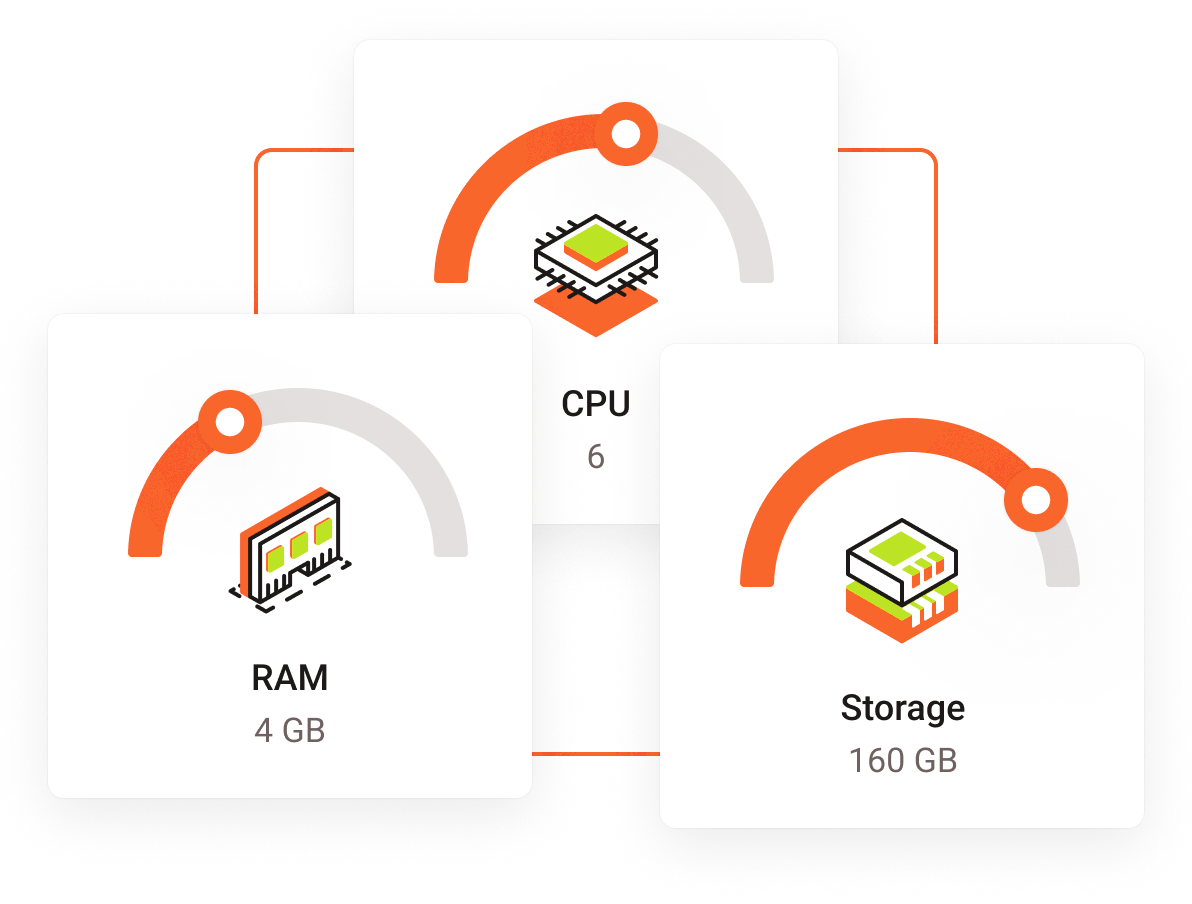

VPS Resources : When selecting a Virtual Private Server (VPS), understanding how much CPU, RAM, and storage you need is crucial for optimal performance. The resources allocated to a VPS directly impact its ability to handle tasks effectively, from running applications to managing databases. This guide will help you determine the right amount of these key resources based on your specific requirements.
1. CPU (Central Processing Unit)
Role of CPU: The CPU is the brain of the VPS, responsible for processing instructions and performing computations. It affects how quickly tasks are executed and how well the server can handle concurrent processes.
Factors to Consider:
- Application Type: For lightweight applications like simple websites or small blogs, a lower number of CPU cores (1 or 2) may suffice. However, for resource-intensive applications such as large e-commerce platforms, databases, or web servers with high traffic, you’ll need more CPU cores to handle concurrent requests and processes efficiently.
- Traffic Volume: Websites or applications experiencing high traffic or requiring substantial data processing will benefit from higher CPU resources. This is especially important for tasks that involve complex calculations, data analysis, or high user interaction.
- Development and Testing: If you’re using a VPS for development and testing, consider the nature of the projects. Basic development environments may only need a single core, but performance testing might require more cores to simulate production conditions VPS Resources.
Guidelines:
- Small Websites/Applications: 1-2 CPU cores
- Medium Traffic Sites/Moderate Applications: 2-4 CPU cores
- High Traffic Sites/Resource-Intensive Applications: 4+ CPU cores
2. RAM (Random Access Memory)
Role of RAM: RAM is crucial for the server’s ability to store and quickly access data that is actively being used. It affects how smoothly applications run and how many processes can be handled simultaneously.
VPS Resources Factors to Consider:
- Application Memory Usage: Applications with high memory demands, such as large databases, content management systems (CMS) with extensive plugins, or memory-intensive software, require more RAM. For example, a VPS running a WordPress site with many plugins and high traffic will need more RAM compared to a basic HTML site.
- Concurrency: If your server needs to handle multiple simultaneous users or processes, more RAM will help in managing these operations efficiently without slowing down performance.
- Caching Needs: Applications that utilize caching mechanisms will benefit from additional RAM to store cache data and improve speed.
Guidelines:
- Basic Sites/Applications: 1-2 GB of RAM
- Medium Complexity Sites/Applications: 2-4 GB of RAM
- High Traffic/Resource-Intensive Applications: 4+ GB of RAM
3. VPS Resources – Storage
Role of Storage: Storage capacity determines how much data your server can hold. This includes website files, databases, logs, and backups.
Factors to Consider:
- Data Volume: Assess the amount of data your application will generate and store. For example, an e-commerce site with a large product catalog, user data, and transaction records will require more storage compared to a simple static website.
- Backup and Redundancy: Consider your backup strategy. Regular backups and the need for redundancy can significantly increase storage requirements. Some VPS providers offer automated backup options, which should be factored into your storage needs.
- Database Size: Large databases with extensive records, especially for applications like CRM systems or large-scale analytics platforms, will need substantial storage space.
Guidelines:
- Small Websites/Applications: 20-50 GB of storage
- Medium Complexity Sites/Applications: 50-100 GB of storage
- Large Sites/Databases/High Data Volume: 100+ GB of storage
4. Balancing VPS Resources
To determine the right balance of CPU, RAM, and storage for your VPS, start by analyzing your specific needs:
- Assess Usage: Evaluate the requirements of the applications or services you plan to run. Consider how many users will be interacting with your server, the types of tasks they’ll perform, and the expected growth.
- Monitor Performance: Once your VPS is running, monitor its performance using available tools. This can help you identify if you need to upgrade resources due to increased load or if your current setup is underutilized.
5. Future-Proofing
It’s wise to plan for future growth. Choose a VPS provider that allows easy scaling of resources. This way, you can start with a configuration that meets your current needs and adjust as your requirements evolve. Scaling up should be a straightforward process to accommodate increased traffic, additional data, or more complex applications VPS Resources.
Conclusion
Choosing the right amount of CPU, RAM, and storage for your VPS involves a careful assessment of your needs and usage patterns. By understanding the role of each resource and evaluating your specific requirements, you can configure your VPS to deliver optimal performance for your applications. Balancing these resources effectively ensures a responsive, reliable, and scalable environment for your development, testing, or production needs.