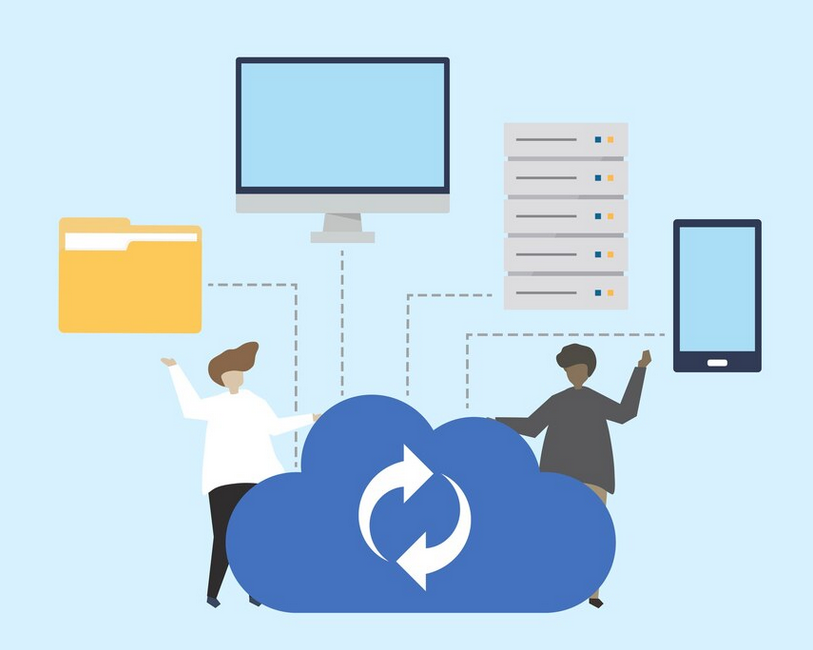

DirectAdmin is a popular web hosting control panel, known for its simplicity, reliability, and ease of use. Among its many features, one of the most crucial is its system, which ensures that data is preserved and can be restored in case of failure, migration, or any other reason for system recovery. DirectAdmin’s system offers various options for creation, restoration, and management, allowing administrators to ensure their data is secure and easily recoverable.
Types of Backups in DirectAdmin
DirectAdmin provides two main types of : Full Backups and Partial Backups. Both have different use cases, and understanding their functionalities can help administrators choose the right option for their needs.
- Full Backups: A full backups in DirectAdmin encompasses the entire account, including email, databases, website files, and configurations. It is an all-encompassing snapshot of a user’s account that can be restored in one go. Full are especially useful when migrating to a new server or performing major updates. This type includes:
- Website files (HTML, PHP, images, etc.)Email accounts and associated settingsDatabases (MySQL, PostgreSQL)User preferences and configurations
- Partial Backups: Partial backups, as the name implies, allow users or administrators to back up specific parts of an account rather than the entire setup. These partial backups can include:
- Email settings (such as email forwarders, filters, and autoresponders)DNS settingsMySQL databasesFTP settingsUser-specific files and directories
Storage and Retention
DirectAdmin offers multiple ways to store backups, including on the local server or remote storage options. For added security and redundancy, many users choose to store backups on remote servers or cloud services, which can be configured in DirectAdmin’s settings.
- Local Storage: DirectAdmin can be configured to store backups directly on the server where the account resides. This is convenient for local recovery but comes with risks, such as data loss in the event of hardware failure or server compromise.
- Remote Storage: For greater safety, backups can be stored on remote servers via FTP, SFTP, or even cloud storage services like Amazon S3, Google Drive, or others. By using remote storage, users ensure their backups are kept off-site, making it less likely that they will be affected by the same issues that could impact the local server.
Backup Scheduling and Automation
DirectAdmin’s system includes scheduling features, allowing users to automate processes. This ensures that are created at regular intervals without requiring manual intervention. Users can configure to run on a daily, weekly, or monthly basis, depending on the needs of their hosting environment.
Automated are crucial for maintaining up-to-date copies of data without relying on the memory of system administrators or users. This feature is especially valuable in shared hosting environments, where many accounts need to be backed up consistently.
Backup Restoration
Restoring backups in DirectAdmin is a straightforward process. Users can restore via the control panel’s graphical interface, selecting the file they wish to restore and specifying which parts of the account should be recovered. Restoration can be done in two ways:
- Full Restoration: A full restoration restores everything from the , including files, emails, and databases. This is the quickest way to recover from a significant issue such as data corruption or server migration.
- Partial Restoration: For more specific recovery needs, partial restoration can be done, enabling the recovery of specific files, databases, or settings without affecting other parts of the account. This granular restoration process can save time and prevent the overwriting of data that might still be intact.
Backup Compression and Encryption
DirectAdmin also allows users to compress files, reducing storage space and making transfers quicker. can be compressed into popular formats such as .tar.gz or .zip, depending on user preferences.
For additional security, especially when storing backups on remote servers, encryption is available. DirectAdmin allows users to encrypt files, ensuring that even if the is intercepted or compromised, the data remains secure and unreadable without the proper decryption key.
Monitoring and Backup Logs
To ensure the reliability of processes, DirectAdmin provides monitoring tools and logs. Admins can review logs to track the success or failure of operations, and configure email notifications to alert them in case of issues. This helps ensure that processes are running as expected and allows for quick intervention if needed.
Conclusion
DirectAdmin’s system is an essential tool for maintaining data integrity and minimizing downtime. With a variety of options, remote storage capabilities, and flexible restoration methods, the system provides a robust solution for both small and large hosting environments. Regular and an effective strategy are critical for any web hosting setup, and DirectAdmin simplifies this process with an easy-to-use, feature-rich management system. Whether you’re performing regular data protection or preparing for a server migration, DirectAdmin ensures that your data is secure and recoverable.