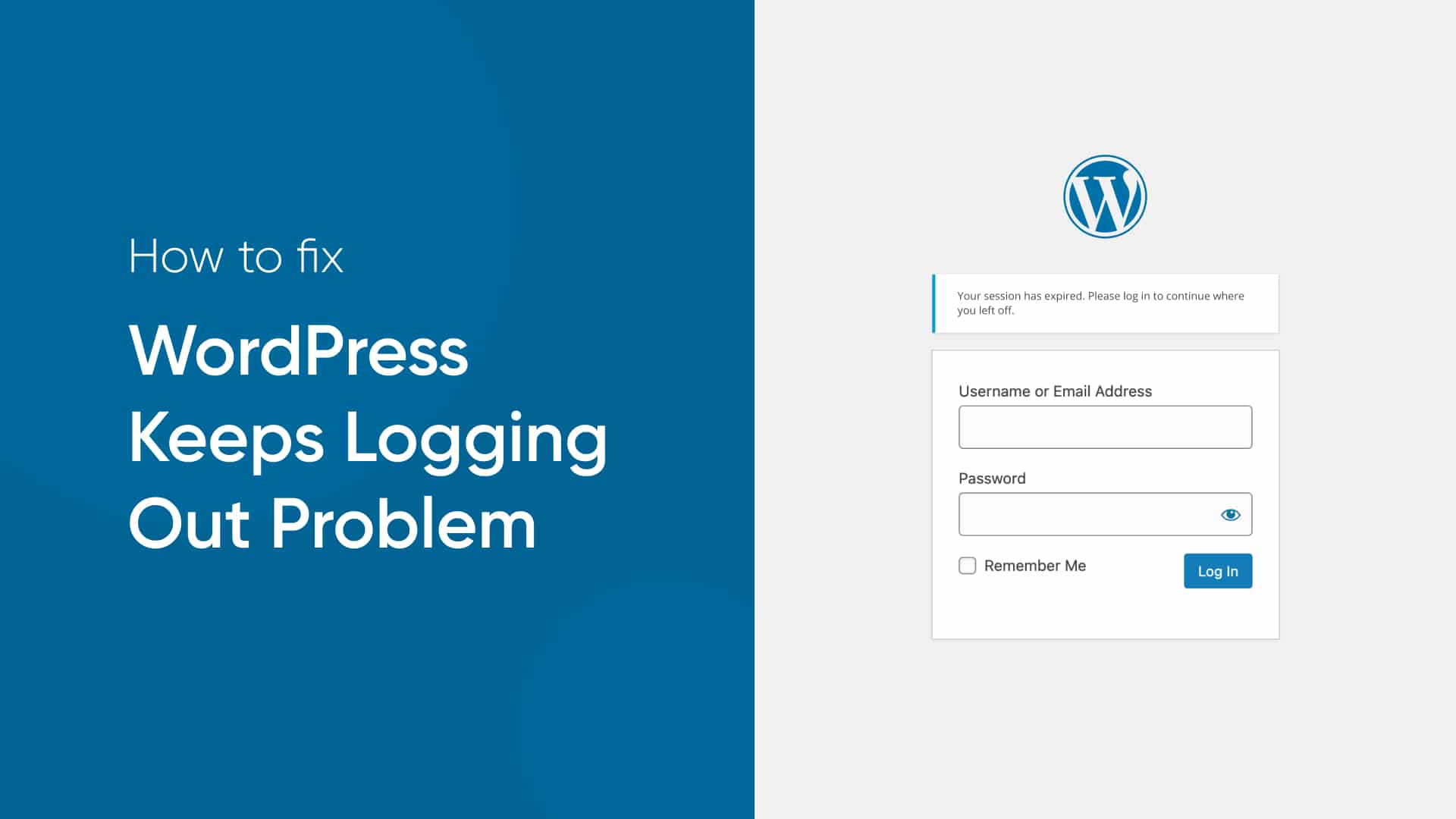

WordPress, a widely-used content management system, occasionally experiences issues where users are repeatedly logged out. This problem can be frustrating, particularly for those managing content or performing administrative tasks. Several factors contribute to this issue, ranging from browser settings to server configurations. Understanding these causes can help diagnose and resolve the problem effectively.
Browser Cookies and Cache
One common cause of logging out repeatedly is related to browser cookies and cache. Cookies are small pieces of data stored on the user’s computer by the web browser, which help maintain the login session. If cookies are not enabled or are being cleared too frequently, cannot maintain the session, leading to repeated logouts. Similarly, if the browser cache is not functioning correctly or is excessively cleared, it can disrupt the login session. Ensuring that cookies are enabled and adjusting browser settings to retain cookies can often resolve this issue.
Site URL and Home URL Mismatch
WordPress relies on two critical settings: the Site URL and the Home URL. These settings must match the actual URL being used to access the site. If there is a discrepancy, such as accessing the site through a non-www version when the URLs are set to the www version (or vice versa), WordPress will not be able to maintain a consistent session, resulting in logouts. To check and correct these settings, you can go to the WordPress admin dashboard, navigate to Settings > General, and ensure that both the WordPress Address (URL) and Site Address (URL) are correctly set.
Security Plugins
Security plugins are essential for protecting a WordPress site, but they can sometimes cause issues with login sessions. Some security plugins have settings that automatically log out users after a specified period for security reasons. If the time frame is too short or the settings are too aggressive, it can result in frequent logouts. Reviewing the security plugin settings and adjusting the session timeout or exclusion settings can help mitigate this problem.
Server and Hosting Issues in WordPress
The server environment plays a significant role in maintaining WordPress sessions. Hosting providers with misconfigured servers or limited resources can cause session handling issues. If the server’s PHP settings, particularly the session.save_path directive, are not configured correctly, it can lead to problems with session storage and handling. Additionally, some hosting providers implement aggressive caching mechanisms that might interfere with the normal functioning of WordPress sessions. Contacting the hosting provider for assistance and ensuring that the server settings align with WordPress requirements can address these issues.
Corrupted .htaccess File in WordPress
The .htaccess file is crucial for WordPress site functionality, handling URL redirection and other configurations. A corrupted or improperly configured .htaccess file can disrupt login sessions. This file can become corrupted due to various reasons, including plugin conflicts or incorrect manual edits. Regenerating the .htaccess file can often resolve this problem. To do this, you can rename the existing .htaccess file and let WordPress generate a new one by updating the permalink settings in the admin dashboard.
Plugin and Theme Conflicts
Conflicts between plugins and themes can cause various issues, including repeated logouts. When a plugin or theme does not adhere to WordPress coding standards, it can interfere with session management. To identify the problematic plugin or theme, you can deactivate all plugins and switch to the default theme, then reactivate them one by one while testing the login session. This process helps isolate the conflicting component, which can then be updated, replaced, or configured correctly.
Session Expiry Settings
WordPress has built-in session expiry settings, and sometimes, these settings can be misconfigured or affected by external factors. The default session expiration for WordPress is 48 hours, but certain configurations or customizations can alter this period. Ensuring that the session expiration settings are appropriate and not being overridden by other scripts or plugins can help maintain consistent login sessions.
Conclusion
Frequent logouts in WordPress can stem from a variety of issues, including browser settings, URL mismatches, security plugin configurations, server and hosting problems, corrupted .htaccess files, plugin and theme conflicts, and session expiry settings. Addressing these potential causes involves a systematic approach of checking and configuring browser settings, ensuring URL consistency, adjusting security plugin settings, verifying server configurations, regenerating the .htaccess file, identifying plugin or theme conflicts, and reviewing session expiry settings. By understanding and troubleshooting these factors, users can resolve the issue of repeated logouts and ensure a smoother, more reliable WordPress experience.